Check how you feel
Use the app only after considering the person’s overall condition. A photograph cannot show every serious problem.
For patients, families and carers
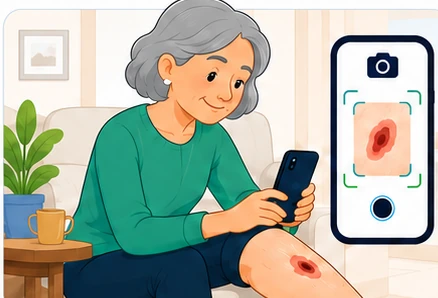
Take photographs consistently, keep useful notes and share a clear timeline when you choose—or when your NHS or care provider has formally linked you to a monitored pathway.
Always visible in the app
Your routine
Use the app only after considering the person’s overall condition. A photograph cannot show every serious problem.
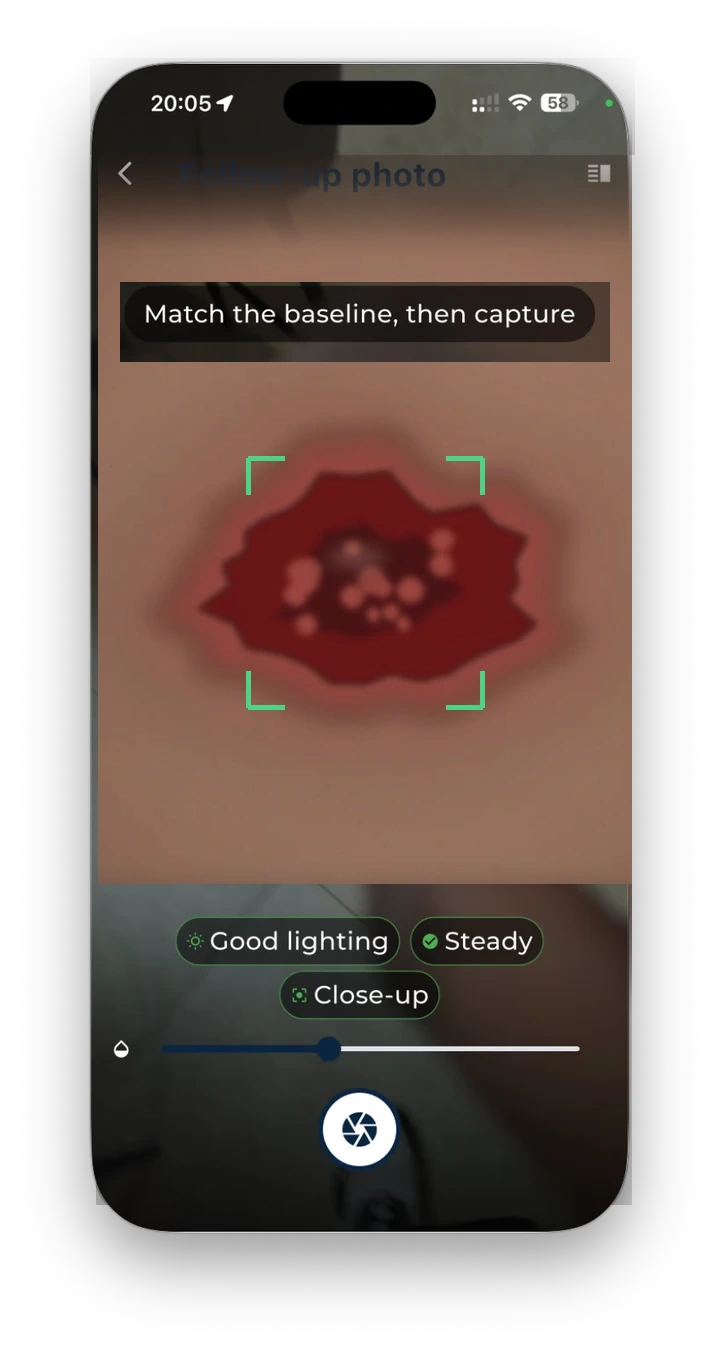
Follow the baseline outline and quality prompts for angle, light, focus and distance.
Describe pain and other changes in your own words rather than trying to make a diagnosis.
Confirm whether it is saved privately, awaiting review or has an agreed action.
Taking useful photographs
Use the same place, body position, camera orientation and light where reasonably possible. The app should help you reproduce the view.
When you are concerned
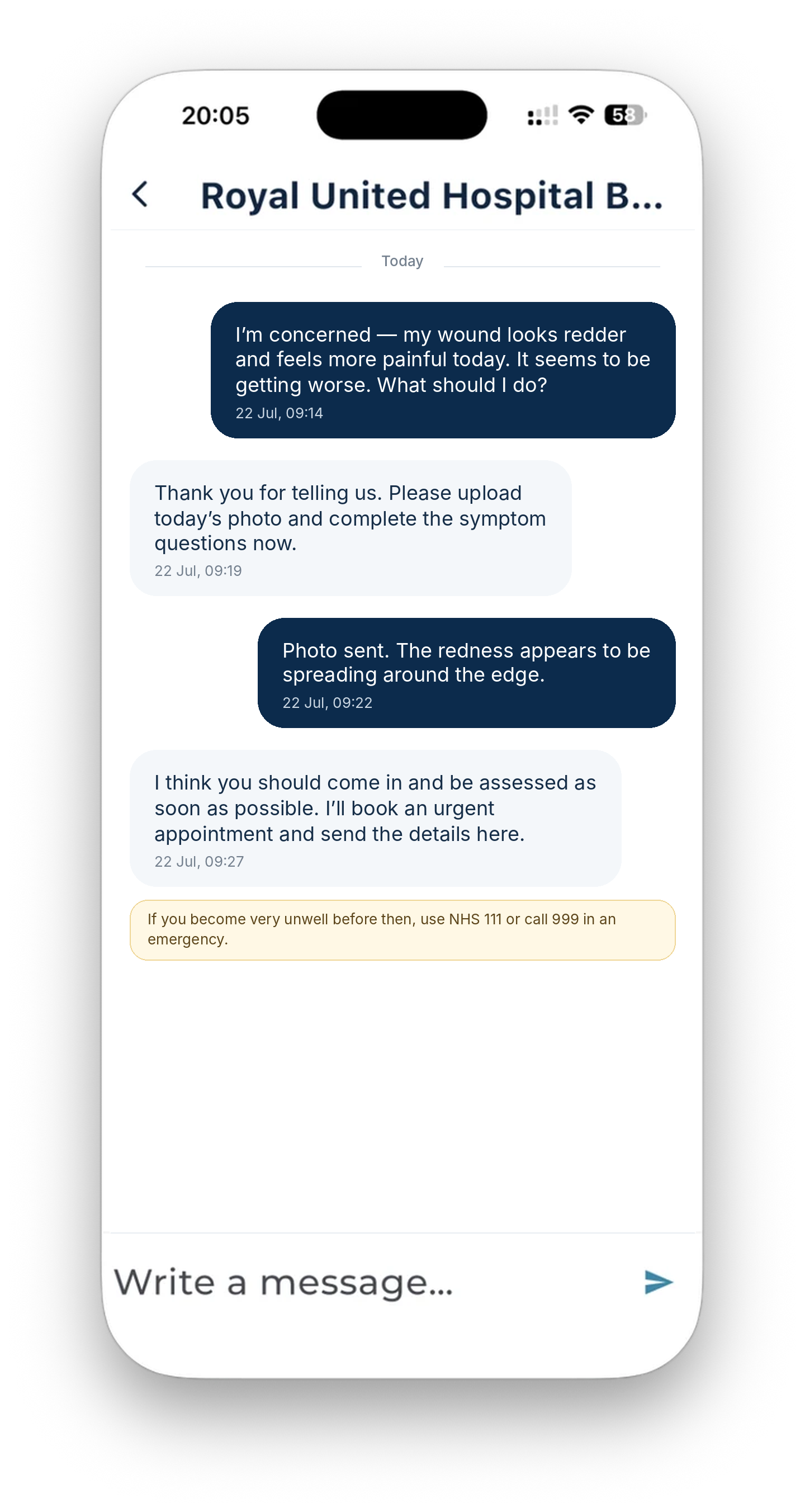
Say what has changed, when it changed and how the person feels. Include symptoms such as increasing pain, heat, swelling, discharge, smell, bleeding or feeling unwell.
Call 999 for immediate danger or serious illness. Use NHS 111 or the provider’s urgent route when medical help is needed quickly. A message may not be read outside service hours.
A safe response tells you the action, time, location or contact route and what to do if the situation worsens.
Open the safety pageAccessibility and inclusion
Record preferred language, interpreter need, communication format and whether information is needed in Easy Read, large print, audio or another accessible format.
A carer or representative must use the correct proxy route. Capacity, consent and best-interest decisions remain governed by the care provider and applicable law.
Use the person’s name and respectful form of address. Ask only for sex, gender, religion or cultural information that has a clear purpose for care, safety or communication.
Read the full inclusion, language, accessibility, consent and privacy policies.
Your information
Your original image should remain intact. Any aligned view must be labelled and traceable to its source.
Personal mode does not automatically share. Linked mode uses the provider’s configured lawful basis, permissions and privacy information.
Production privacy information should explain access, correction, restriction, deletion where applicable, complaints and who to contact.
The help centre explains monitoring, photographs, messages, privacy, carers, accessibility and urgent action in everyday language.