For your own reference
Build a dated record, compare photographs and prepare for an appointment.
- No clinical team is automatically connected.
- No guaranteed monitoring or response time.
- You decide whether to export or share.
A clearer way to record visible change
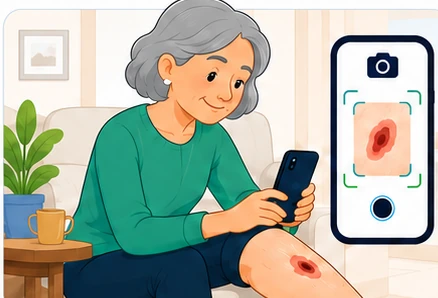
Healing Process helps people capture comparable photographs, follow change over time and have a useful conversation with the right care team before a concern becomes a bigger problem.
First, know which mode applies
The screen must always make this distinction obvious. It changes who can see information and what response, if any, has been arranged.
Build a dated record, compare photographs and prepare for an appointment.
A participating service may place entries into a named review queue and use secure messages.
The complete journey
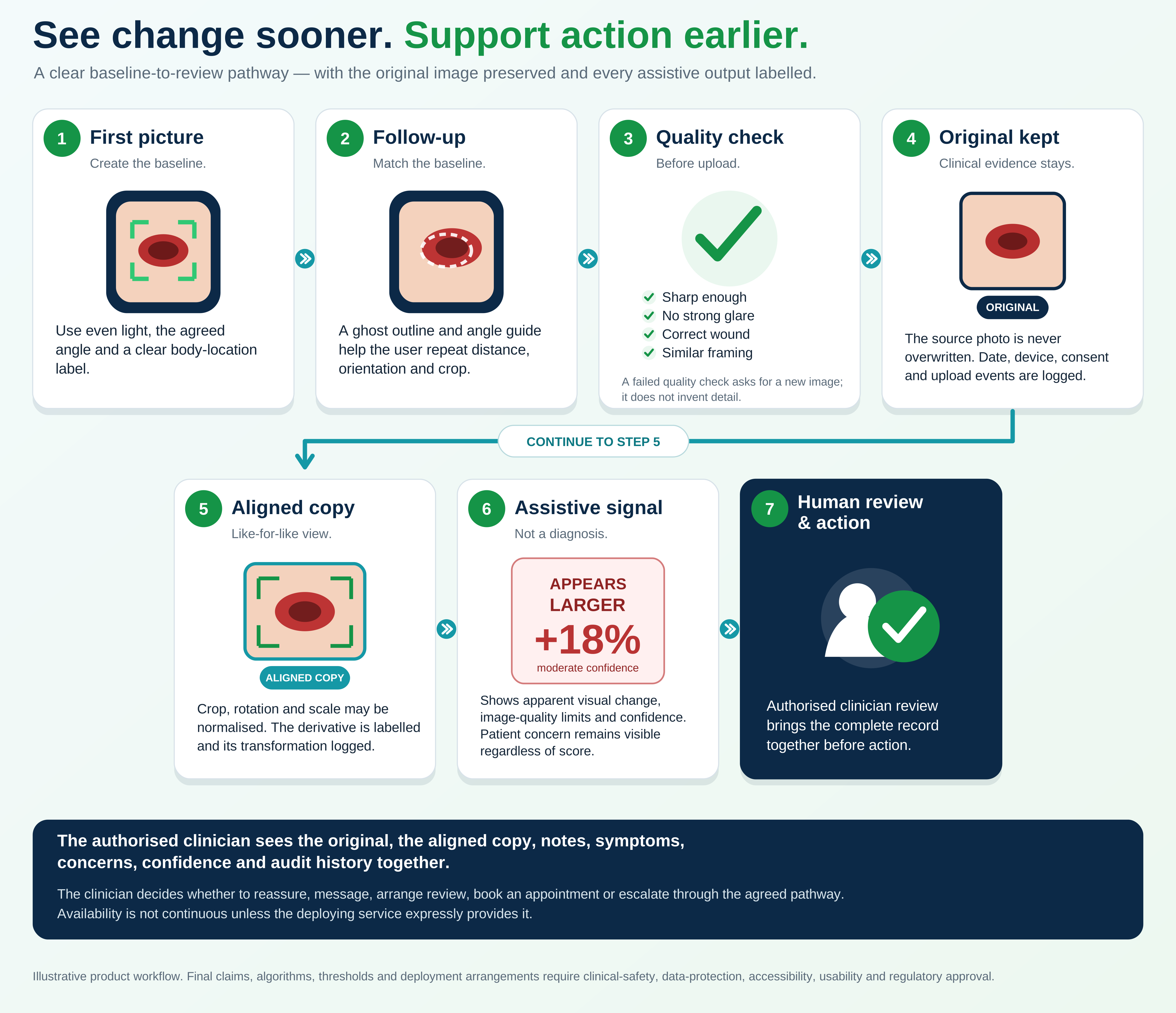
The interface keeps the next action visible and uses everyday language throughout.
Confirm whether this is private or linked to a named service.
Capture the first clear photograph and record context.
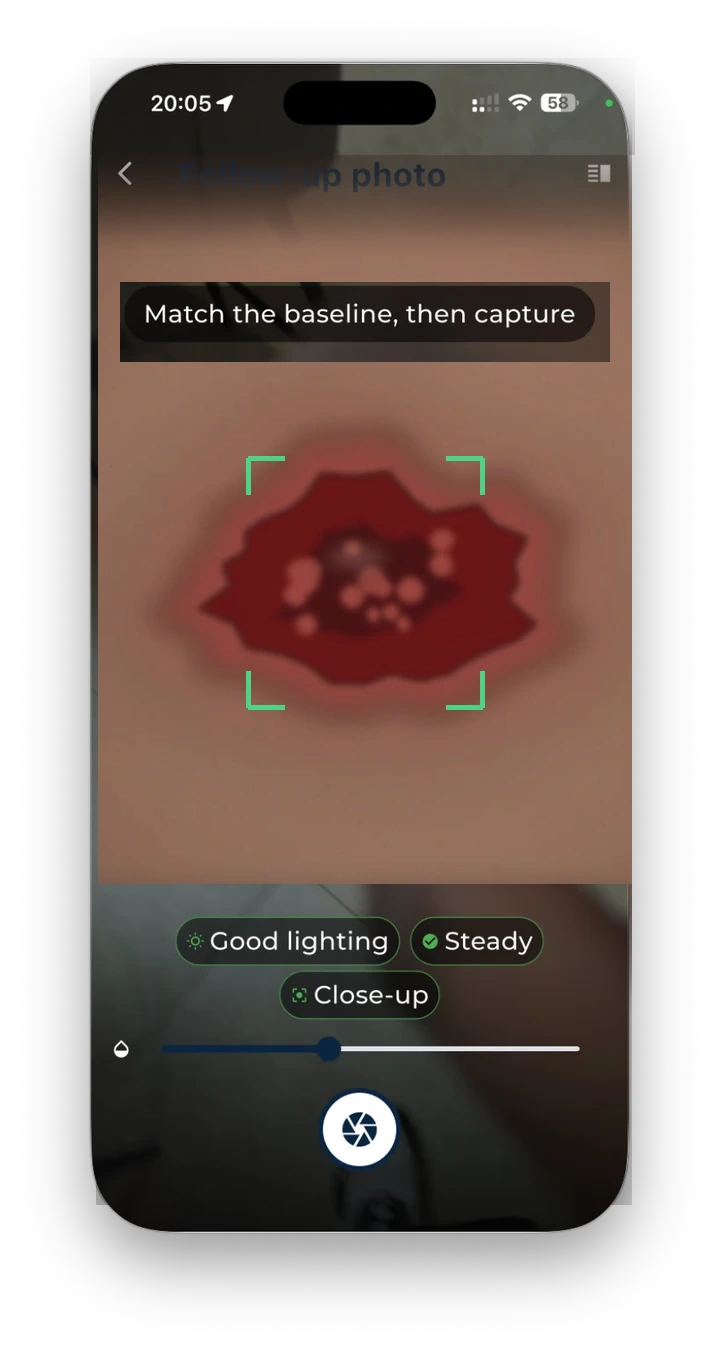
Use on-screen guidance for angle, distance, framing and light.
View the original beside a labelled aligned comparison.
Describe the concern, answer questions and agree an action.
Close the loop with a decision, appointment or safety-netting.
A repeatable picture routine
Healing Process should guide—not merely ask—the user to reproduce the first view.
Transparent comparison
The comparison layer should compensate for framing differences while preserving a complete audit trail.
Conversations that lead somewhere
The example conversation now shows a person reporting increased redness and pain, the clinician arranging a same-day assessment, and clear safety-netting—not repetitive small talk.
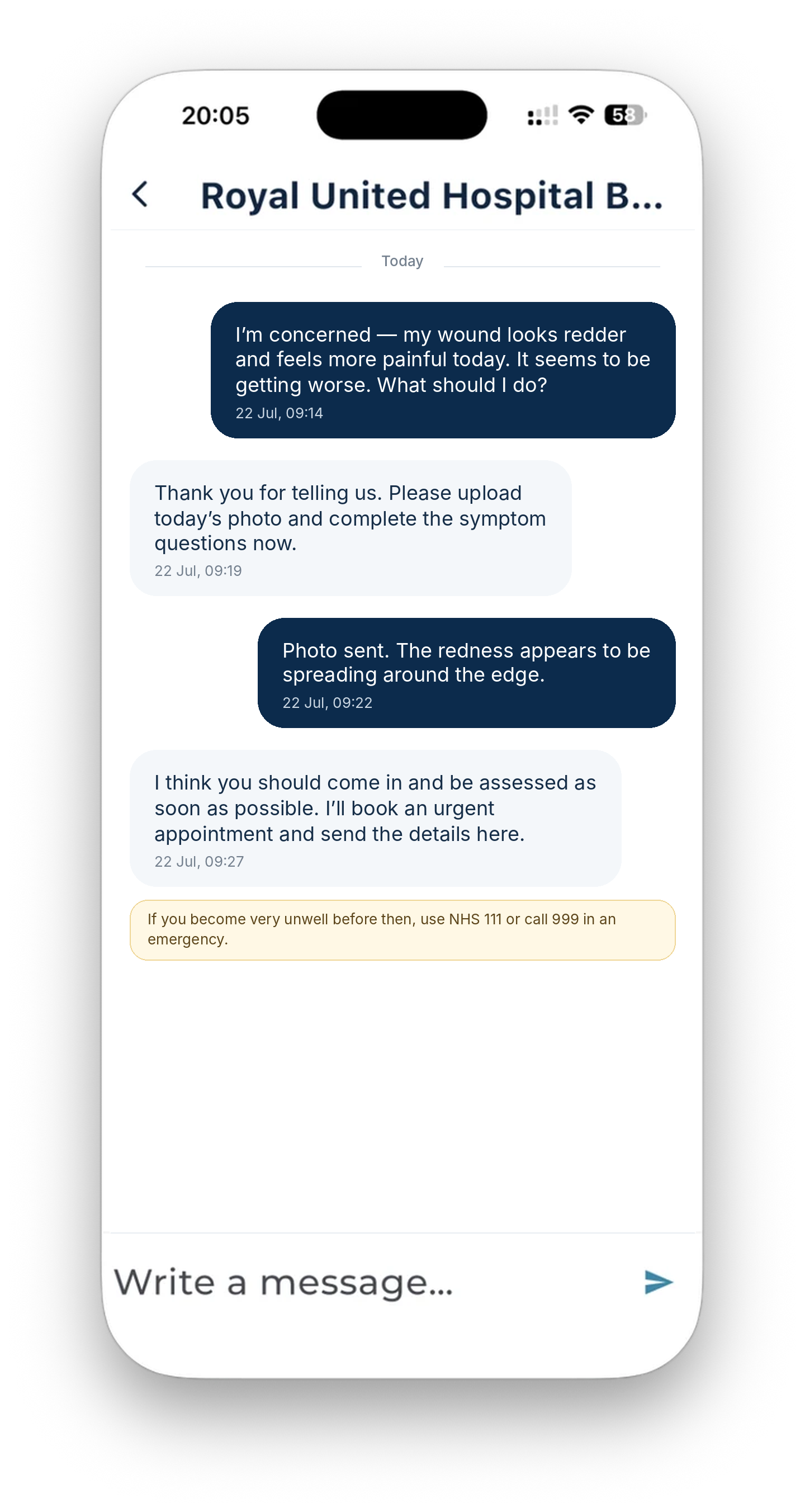
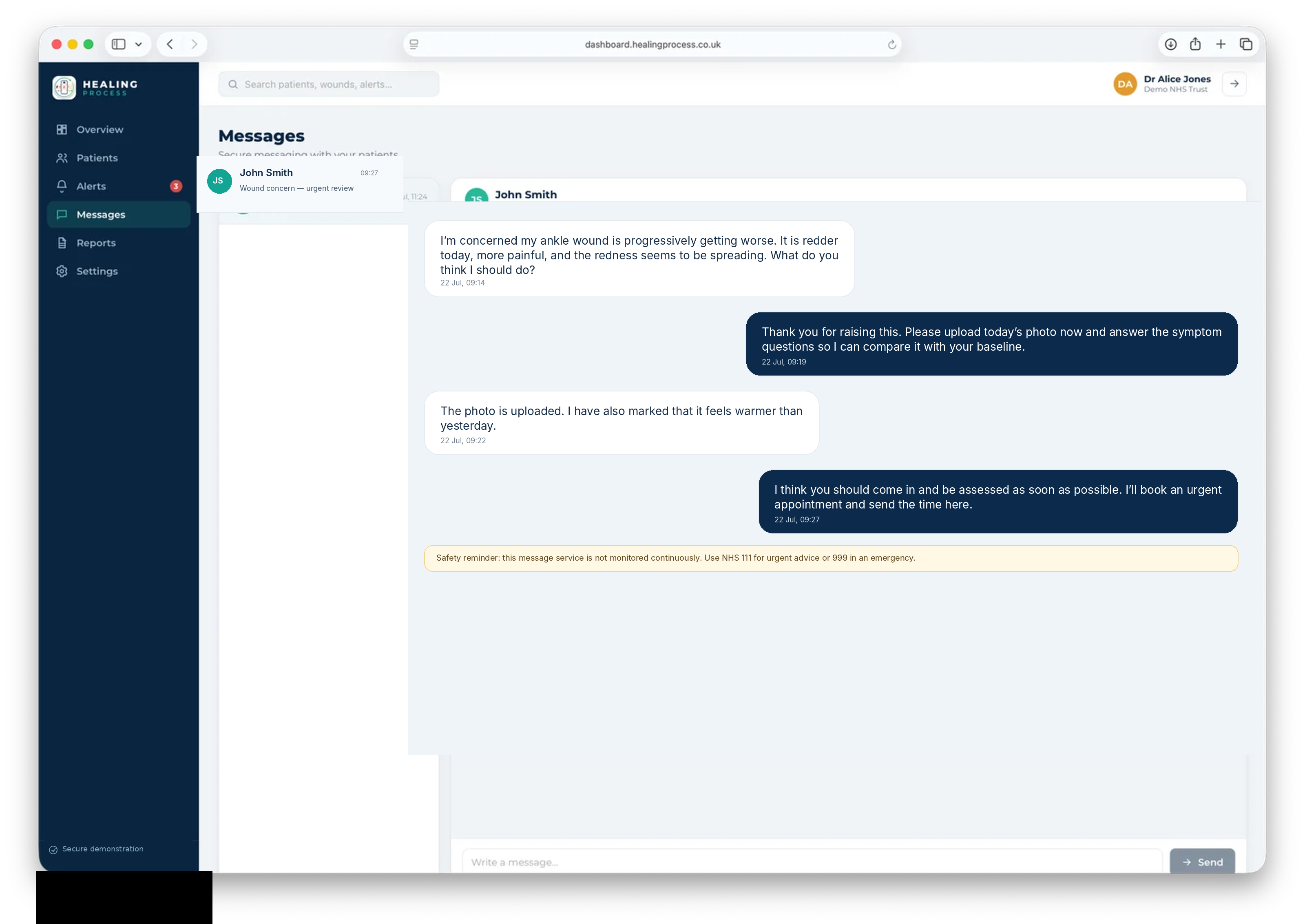
The app and clinical view
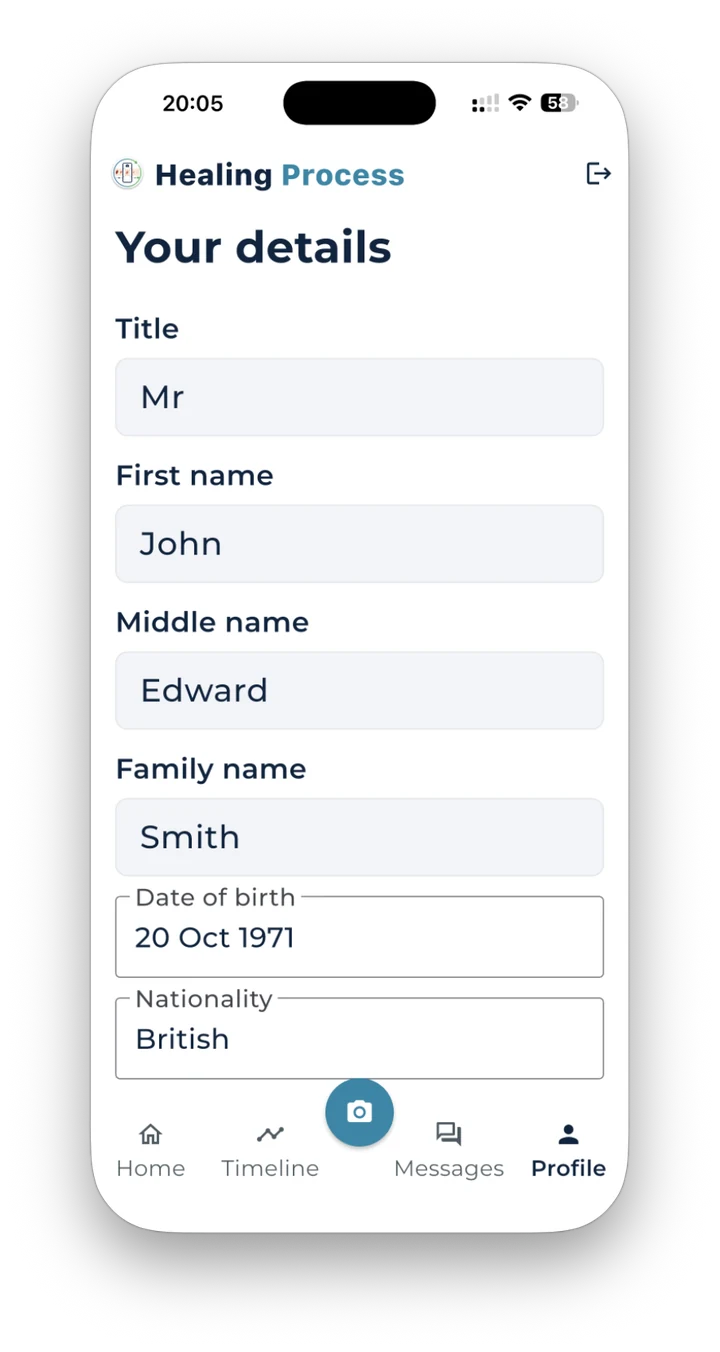
Select an image to inspect it at high resolution. The viewer includes zoom in, zoom out, reset and close controls, supports Escape, and remains usable on touch screens.
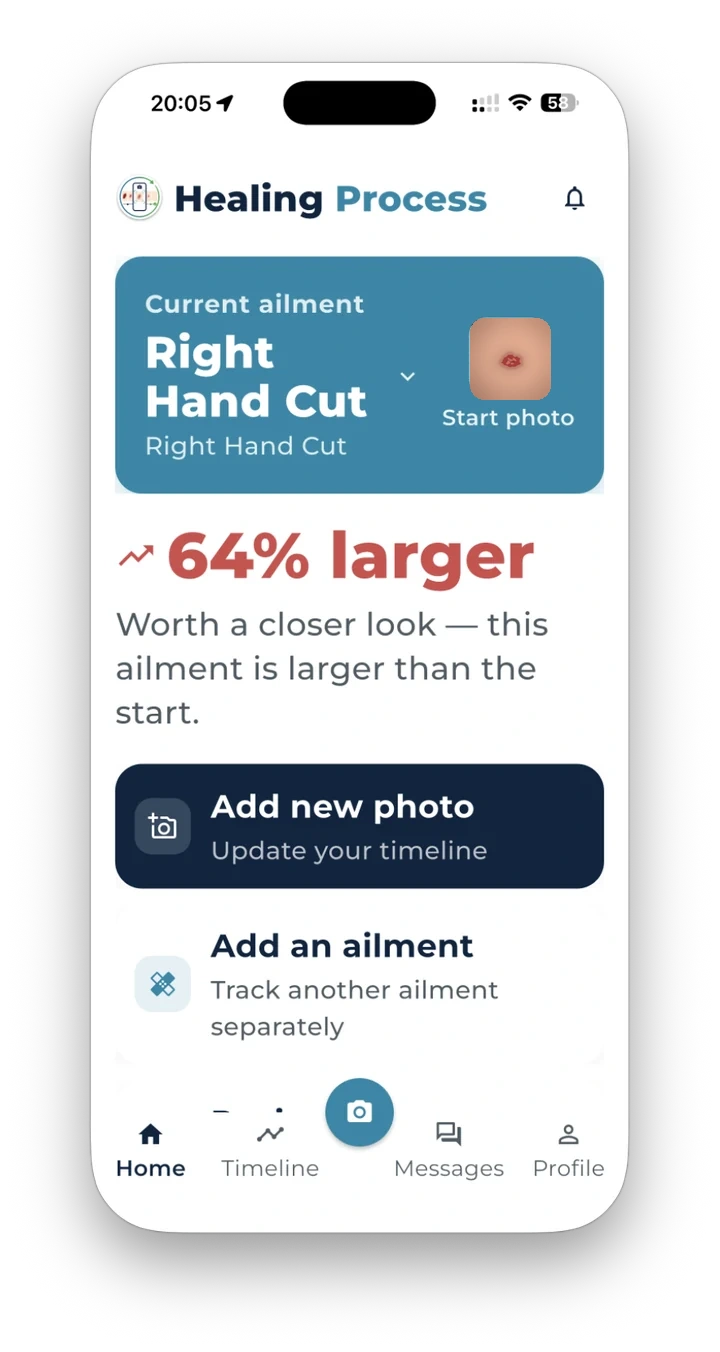
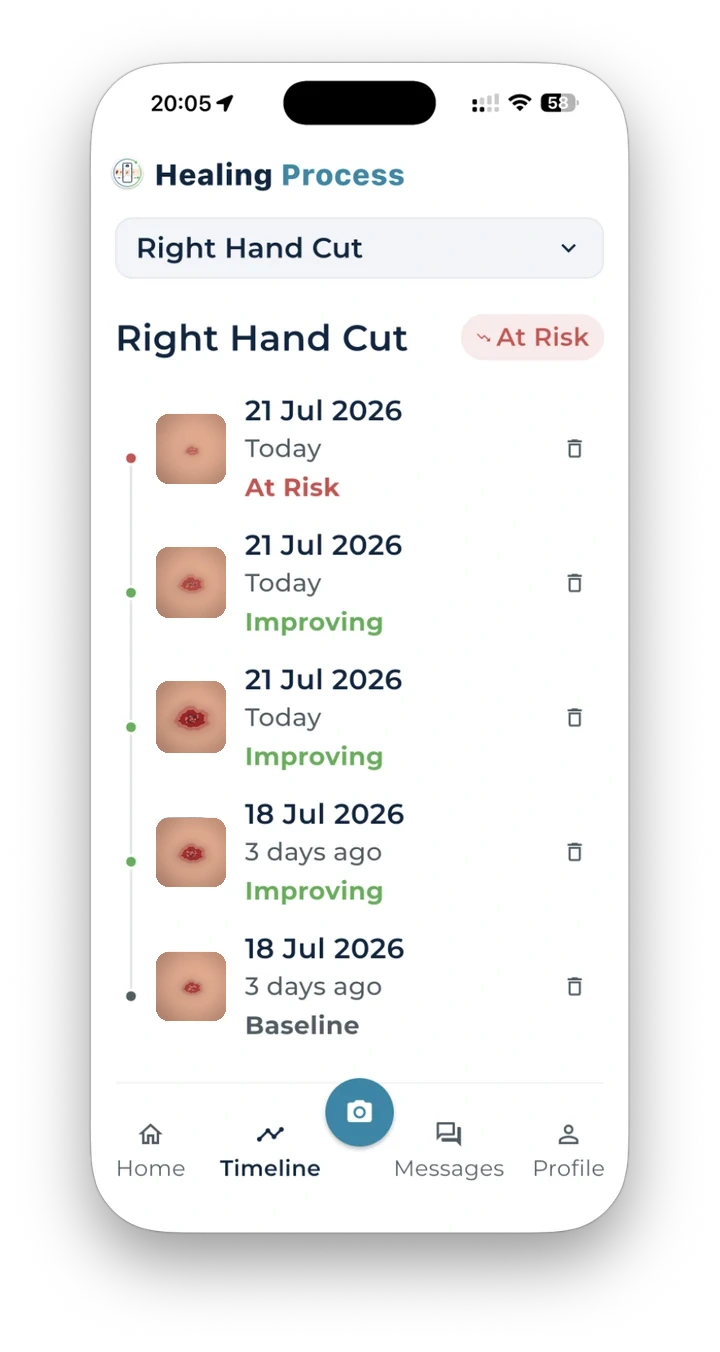
For care organisations
The dashboard can bring photographs, concerns, queues and conversations together. A safe deployment must also name who reviews, when they review, what happens out of hours and how missed or urgent concerns are escalated.
Filter new submissions, user concerns, quality failures and overdue reviews.
Keep original images, aligned derivatives, messages, decisions and exports together.
Record the reviewer, outcome, appointment, advice, escalation and next review date.
Latest official-source topics
The package includes a scheduled source-monitor that can collect, date-stamp, de-duplicate and rank relevant publications from an approved list. The public cards link back to originals and do not invent clinical advice.
Use the product journey, safety boundary and provider checklist as the shared starting point for patients, clinicians, digital teams and governance leads.